


Hi there “Process Automation” fans,
Welcome to a new installment of “Process Automation” tips.
In our final post on hardening our VM images, we’ll have a look at the security of our VM. So far, we played with TomEE HTTPS, NGINX HTTPS, HAProxy for load-balancing, and now it’s CIS-CAT® Lite‘s turn to assess our configurations (at least, that was the plan; keep reading…). I have never used the tool, and I got the tip for the tool from security people in one of my projects. However, as curious as I am, and because I want to advise you on possible tools in the world, we dive into security assessment tools developed by the Center for Internet Security, Inc.
Let’s get right into it…
First, you need to sign up for the CIS-CAT Lite edition of the tool. Once done, you receive a download link that lets you download a ZIP file (mine is CIS-CAT Lite Assessor v4.60.0.zip). Extract the file, open the extracted folder, and start the executable (I’m on my Windows 11 laptop running my VM on Oracle VirtualBox via IP 192.168.56.107).
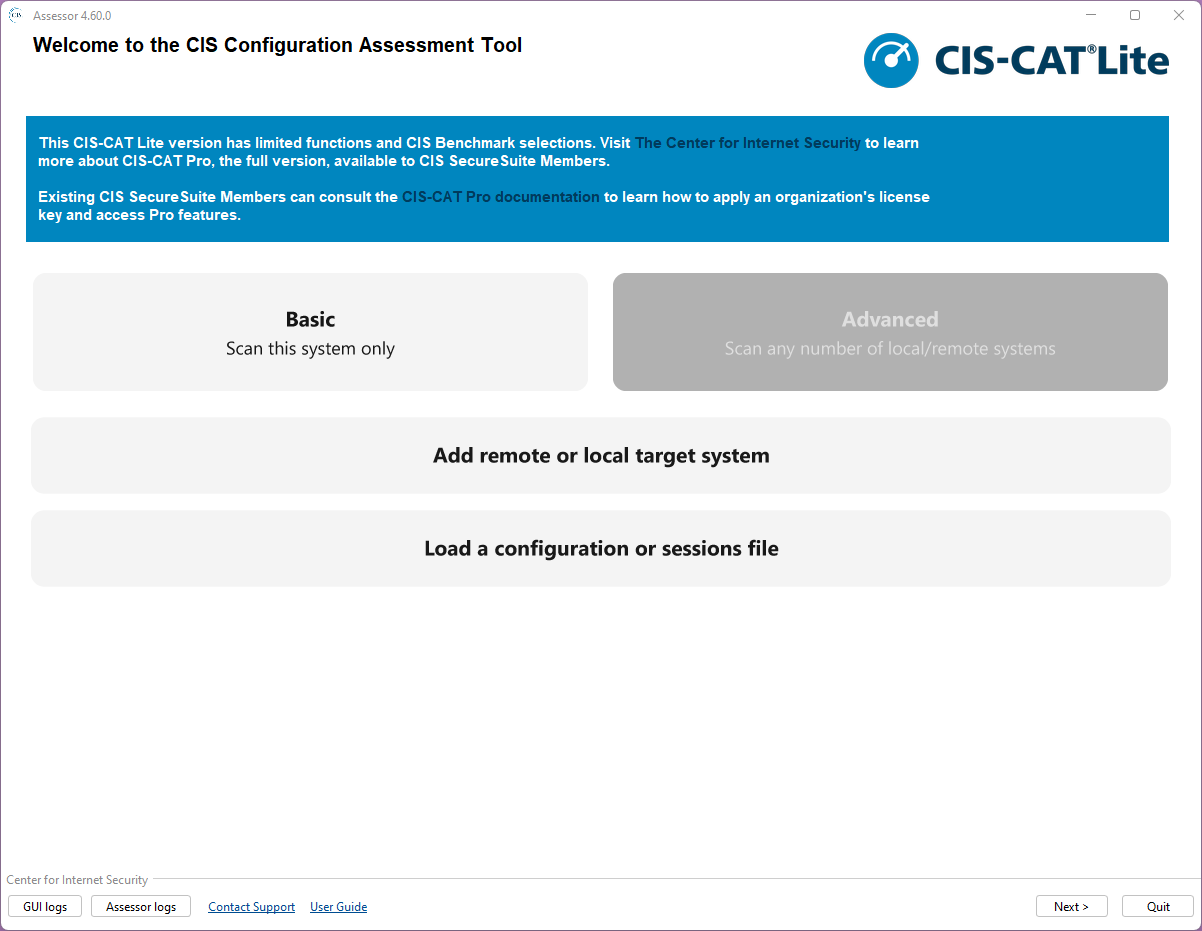
Choose the ‘Advanced’ section to add a remote target system:
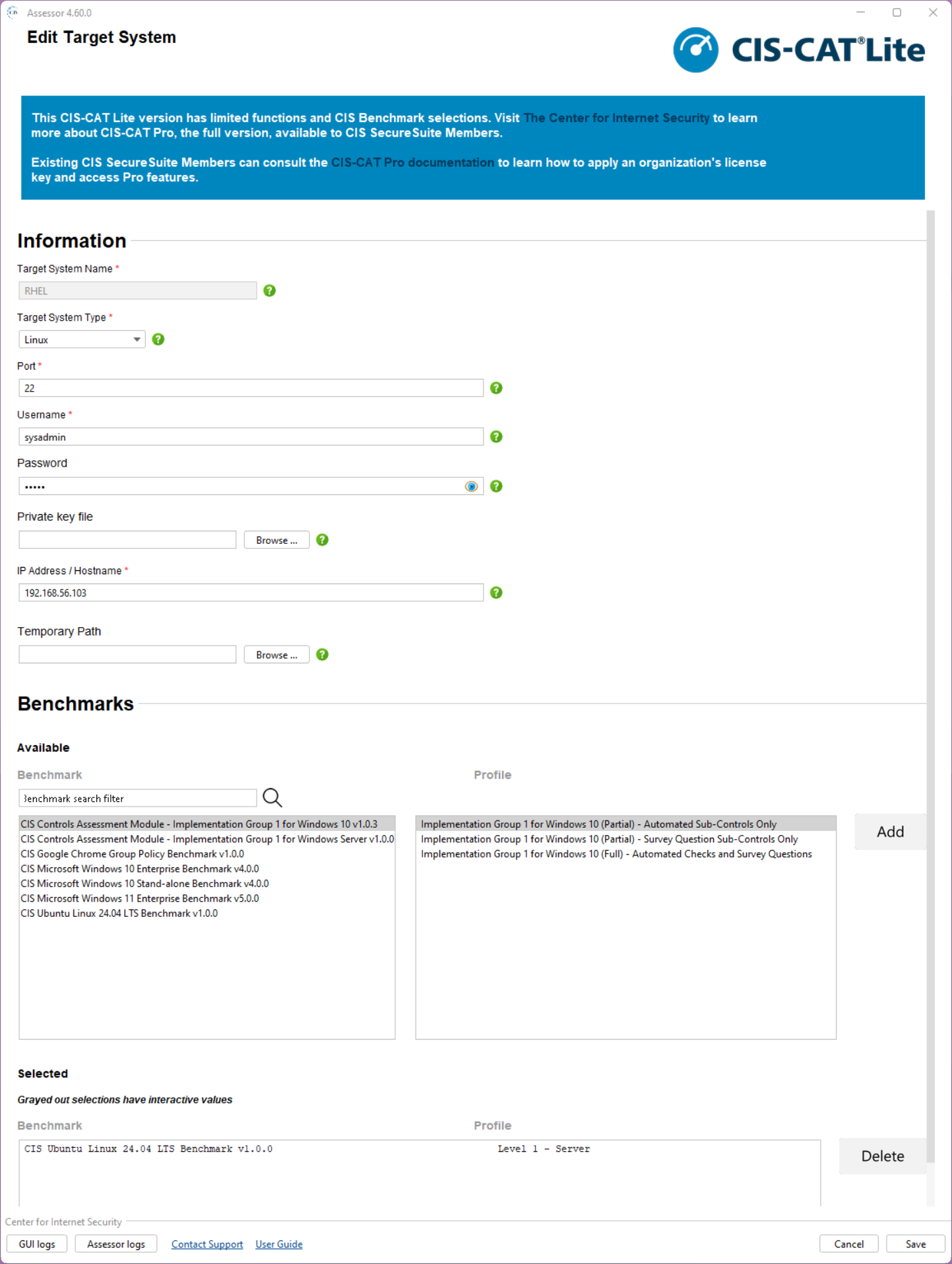
Do you see what I see? Yes, RHEL is not on the list…Is this the disadvantage of being a cheap-ass Dutch person!? I’m aware of this. 😏
Do we need to give up now? Nope, it gives us the opportunity to dive further and find a great open-source alternative!
This doesn’t mean CIS-CAT isn’t good…You can run splendid reports that the tool spits out based on templates; I did see splendid examples passing by in my career, but I leave it with you to further eXplore on your own.
Ok, let’s move on and the first Google hit brings me to OpenSCAP
SCAP = Security Content Automation Protocol
This is a comparison table of both tools:
| Capability | OpenSCAP | CIS-CAT |
|---|---|---|
| Cost | Free | Licensed (Pro) |
| Benchmark coverage | SCAP content (DISA STIG, CIS, etc.) | CIS only |
| Automation | Strong (CLI, pipelines, Ansible) | More limited |
| Reporting | Basic (XML/HTML) | Strong, audit-friendly |
| UI | Minimal | Polished |
| DevOps integration | Excellent | Weaker |
| Customization | High | Low |
For this post, it’s a great alternative, and you can easily install it on RHEL 8.7 with these commands:
1 | cat /etc/redhat-release |
That last command will give a result like this: OpenSCAP command line tool (oscap) 1.3.6
OpenSCAP runs with security profiles (XML files) that you find in: ls -ltr /usr/share/xml/scap/ssg/content/
Get more details on a specific profile with: oscap info /usr/share/xml/scap/ssg/content/ssg-rhel8-ds.xml
Let’s do a first run like this:
1 | sudo oscap xccdf eval --profile xccdf_org.ssgproject.content_profile_cis_server_l1 --results results.xml --report report.html /usr/share/xml/scap/ssg/content/ssg-rhel8-ds.xml |
…This can take a while…
…
…
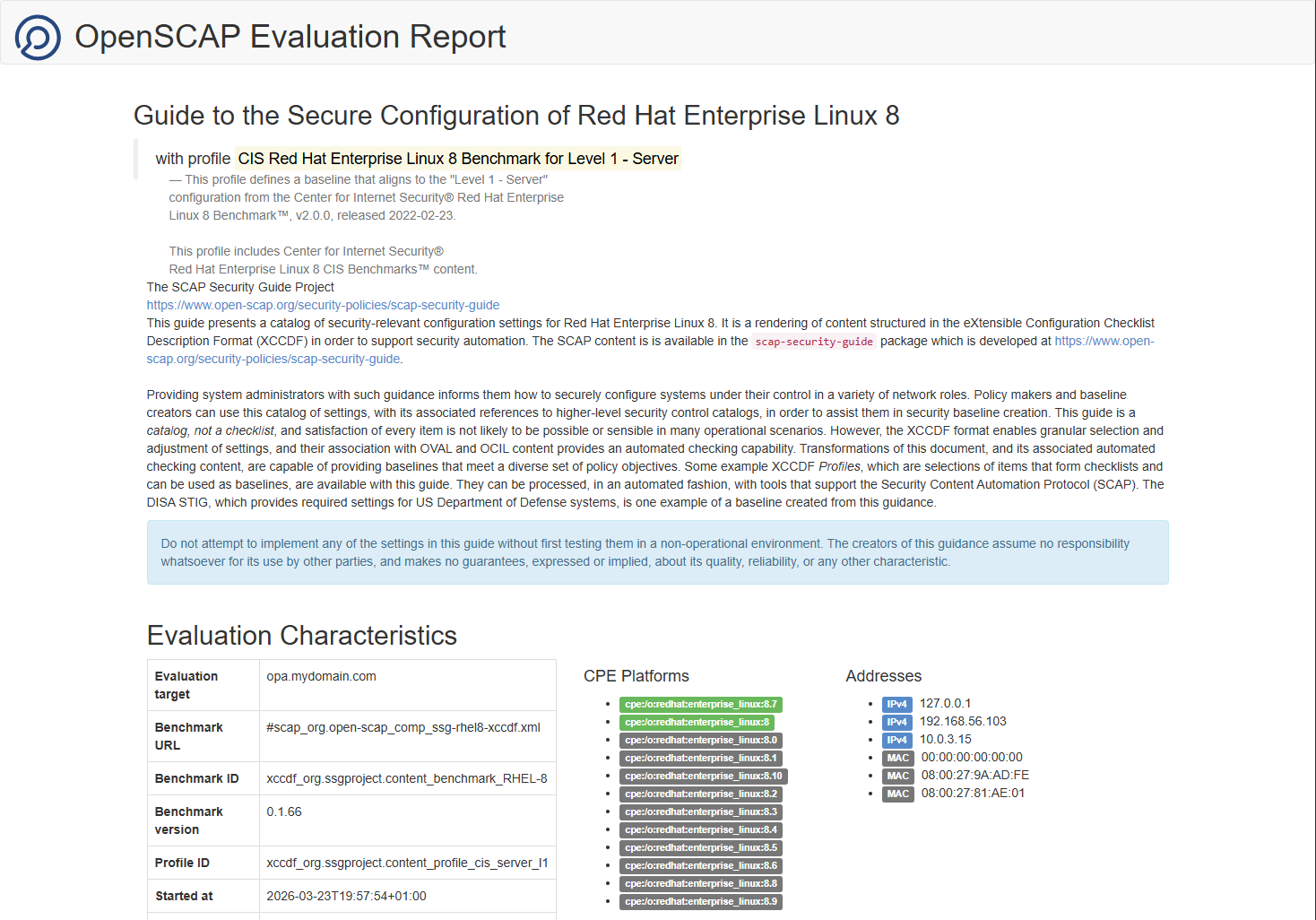
Once ready, you get XML output (for techies) and a more user-friendly report in HTML:
Scrolling down will show you the real numbers where you can filter and group the rules:
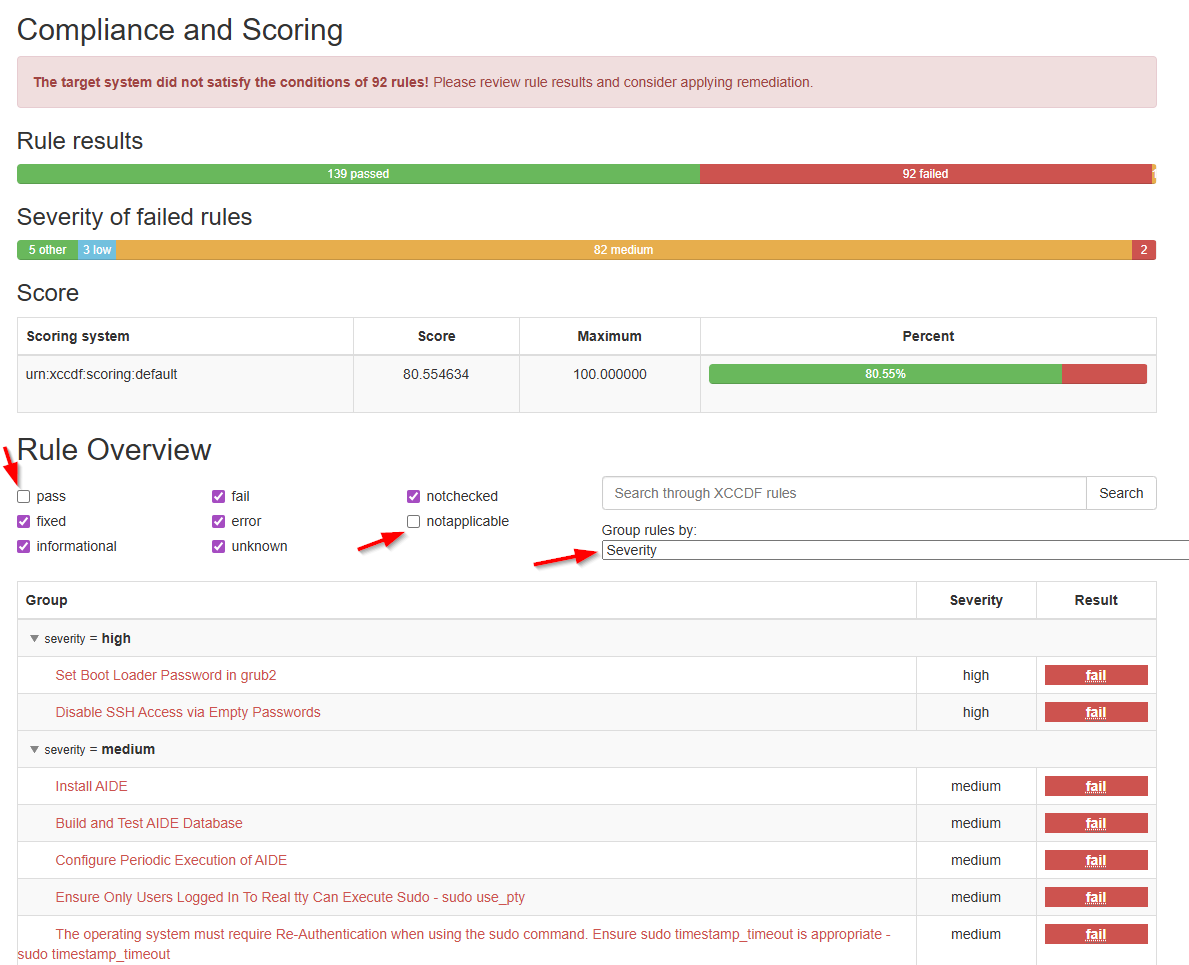
It’s highly fascinating to go through the report, and I also see the challenges involved in further hardening your VM… I never said it was easy, but now we have at least the insights we never had before!
You can download my report here
Finally, these are my resources for this post; just in case you became more curious about the topic:
- Center for Internet Security (CIS) compliance in Red Hat Enterprise Linux using OpenSCAP
- OpenSCAP
- CIS Red Hat Enterprise Linux 8 Benchmark
- Ansible
A nice secure “DONE” where open ends come to the surface for further improvements. We discussed two tools that are worth remembering during security assessments of projects. We learned a lot again about our VM just by playing around and talking with others about security. This was the last post on hardening our VM; next week we move on to another great topic on OpenText Process Automation Tips. Have a great security assessment weekend, and we will see/read/write/chat with each other next week.
Don’t forget to subscribe to get updates on the activities happening on this site. Have you noticed the quiz where you find out if you are also “The Process Automation guy”?
