


Hi there “Process Automation” fans,
Welcome to a new installment of “Process Automation” tips.
We dive into a Christmas edition where we’ll tune up the OPA runtime UI with some holiday stuff! Why? Well, because we simply can and because I want to learn where we find the edges of the OPA platform. For this post, I just quickly hack along on myself. Below you see the end-result…
Let’s get right into it…
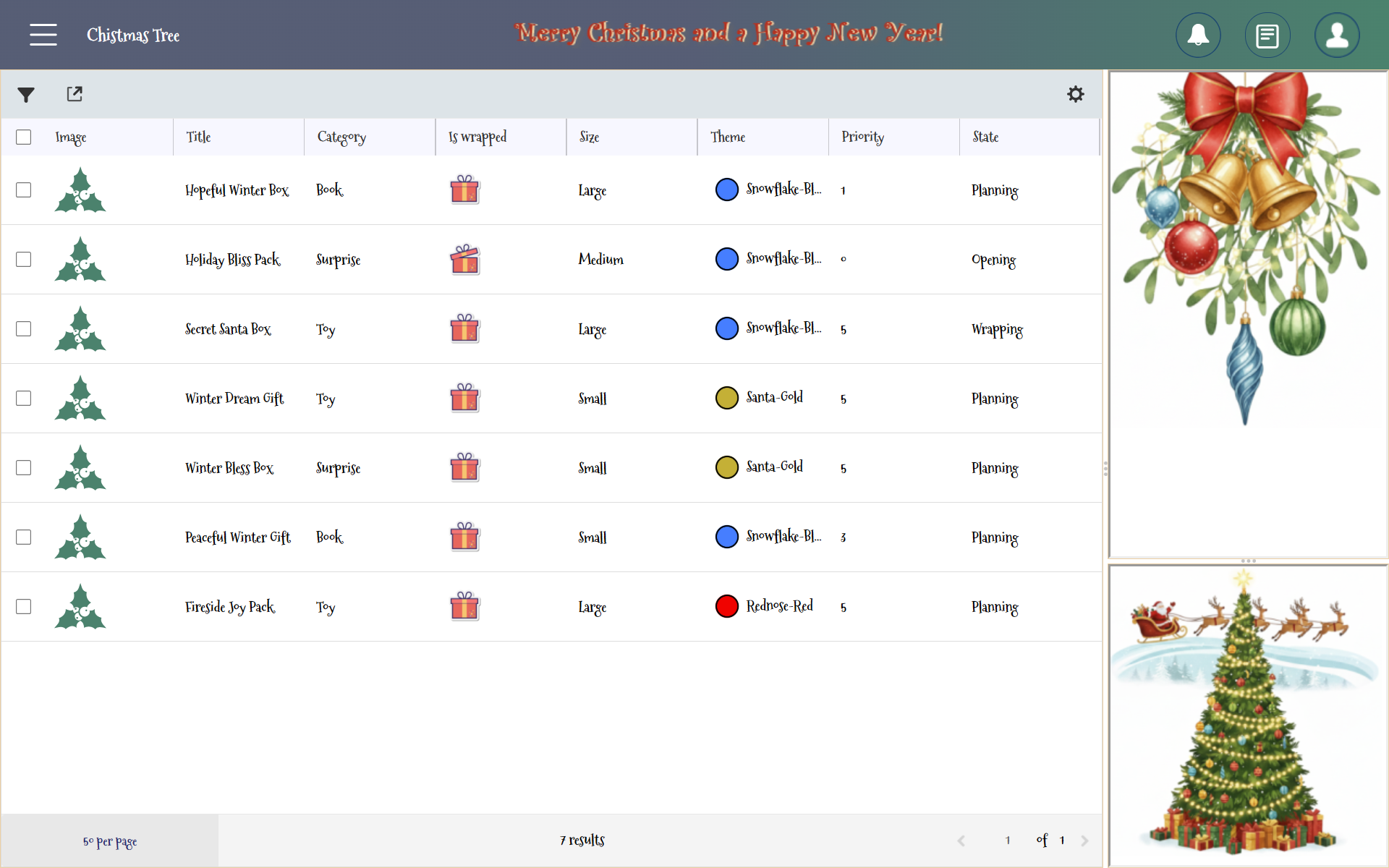
The homepage list view:
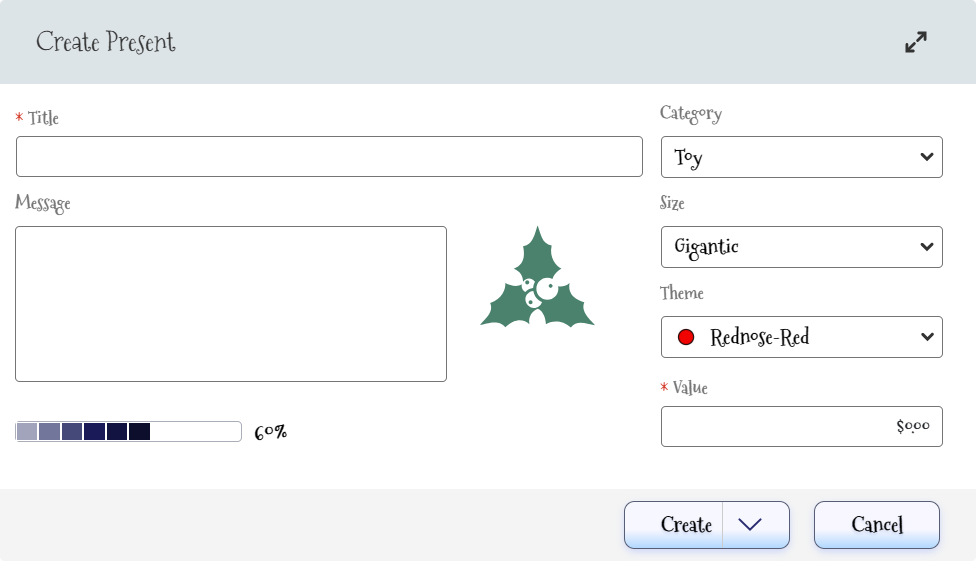
The create screen:
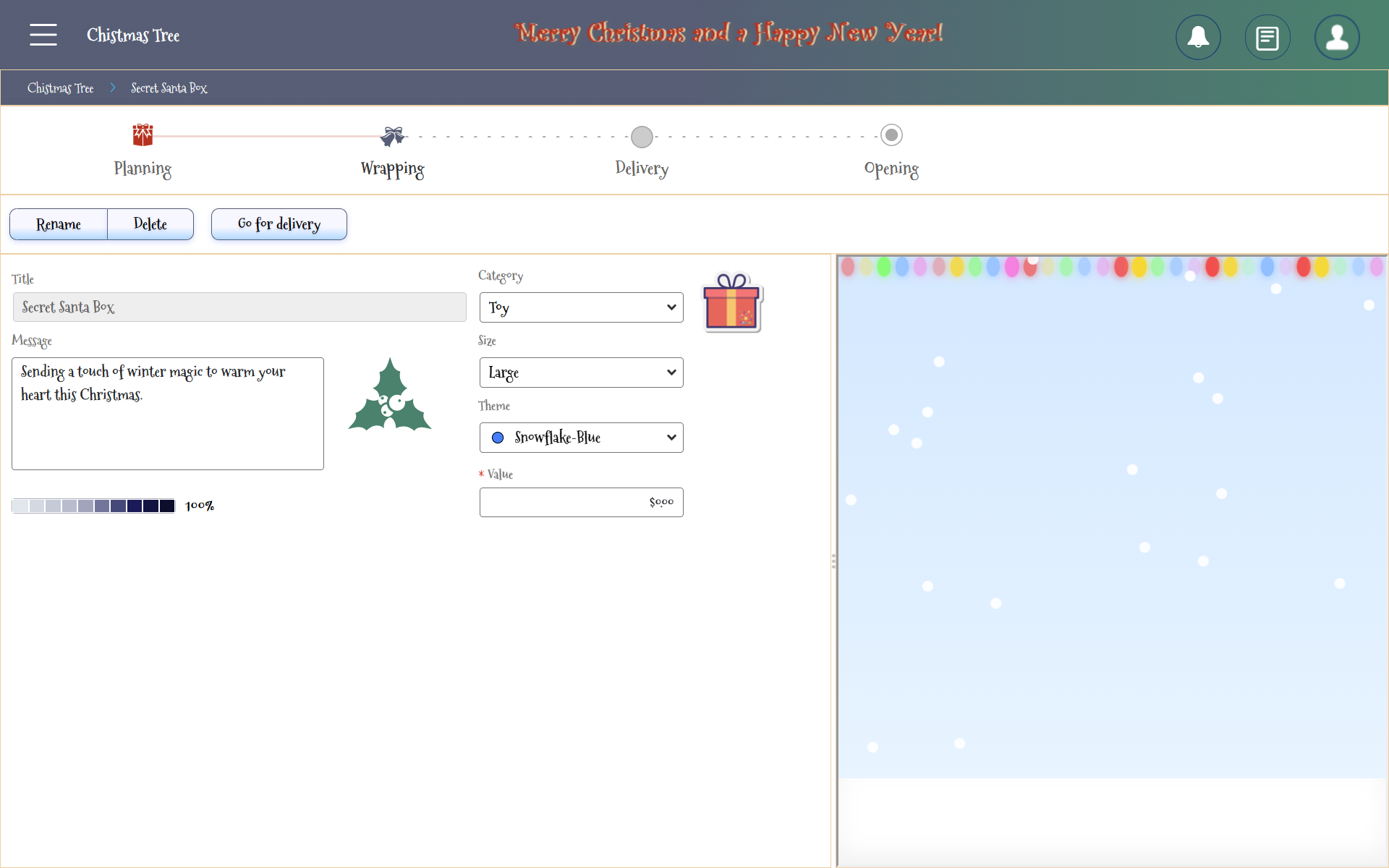
The instance view:
This is the animated video (in 720P…Prepare; for those, who watch this stuff in 4K!):
…
❗❗Happy new year and a great 2026!❗❗
Notes:
- There is one “Christmas Tree” homepage, you can remove the default “Homepage” from ‘/app/admin’; Read about it here.
- There is one role “Santa Claus” where you need to be member of.
- Solution in runtime is best viewed with 150% browser zoom and full-screen mode (
<F11>).- You require a service container of type ‘Application Server Connector’ to support the entity webservices (you can create it from the ‘System Resource Manager’ artifact).
- After the creation of one present, you can generate new random presents for fast demo data!
- The random magic happens in the backend BPM with these calls:
org.apache.commons.lang3.RandomUtils.nextInt(0, 5)- For that magic, we read data from the XML store at this location:
/nl-bos-generic/christmas_data.xml- Opening the presents shows you a nice snow-falling page that was vibe-coded with ChatGPT; I was simply curious on the possibilities.
- You can download the project sources here!
That’s a Christmas (🎄) “DONE”; It’s always fascinating to see what a little styling can do with a UI…AND I’m not even a guru in this field! Have a wonderful time with family and friends…We’ll see each-other in the new year! Cheers already to 2026! 🍾 🥂
Don’t forget to subscribe to get updates on the activities happening on this site. Have you noticed the quiz where you find out if you are also “The Process Automation guy”?
